ID.me Resources
ID.me for myASRS Access
Security is always a top priority for us. To that end, the ASRS has upgraded the previous myASRS login process to logging in with ID.me. This transition to ID.me is consistent with other state and federal agencies where security is a top concern. This allows members to use a single login to access both their ASRS account and any other website that uses ID.me.
ID.me is a digital identity wallet that simplifies the process of how individuals securely prove their identity online. ID.me’s technology meets federal standards for consumer authentication set by the Commerce Department.
The ASRS does not share account data with ID.me, and ID.me will not sell, rent, or trade any personal information you provide to them. Your privacy and security are of utmost importance, and the driving force behind this upgrade to our secure account login process.
What is an ID.me "Digital Wallet"?
A "Digital Wallet" is simply your ID.me Account. While the name sounds financial, it is actually just a secure place to store your digital identity, not a way to make payments.
Think of ID.me as a virtual ID card. Just as you keep a plastic driver’s license in a physical wallet, ID.me uses a "digital wallet" to store your digital ID. This is a standard security step to ensure that only you can access your ASRS account.
"Basic" vs "Verified Identity" Accounts
There are two primary tiers of ID.me accounts: "Basic" accounts that are common with low-risk sites, like retail websites, or "Verified Identity" accounts which offer a higher level of security and are often associated with government accounts.
To access your secure ASRS account, you will need a Verified Identity ID.me account. If you already have a basic ID.me account, you will be required to go through the identity verification process with ID.me to gain access to your myASRS account. Verifying your identity with ID.me using a government-issued ID and a selfie scan (or a video call with a live agent) is typically a one-time process.
Once your Verified Identity ID.me account is set up, you will access your secure myASRS account with ID.me using simple 2-factor authentication.
Help Resources
In addition to the resources available below, ID.me offers 24/7 support for help tickets and video identity verification.
Helpful guides for creating your ID.me account or verifying your identity with ID.me:
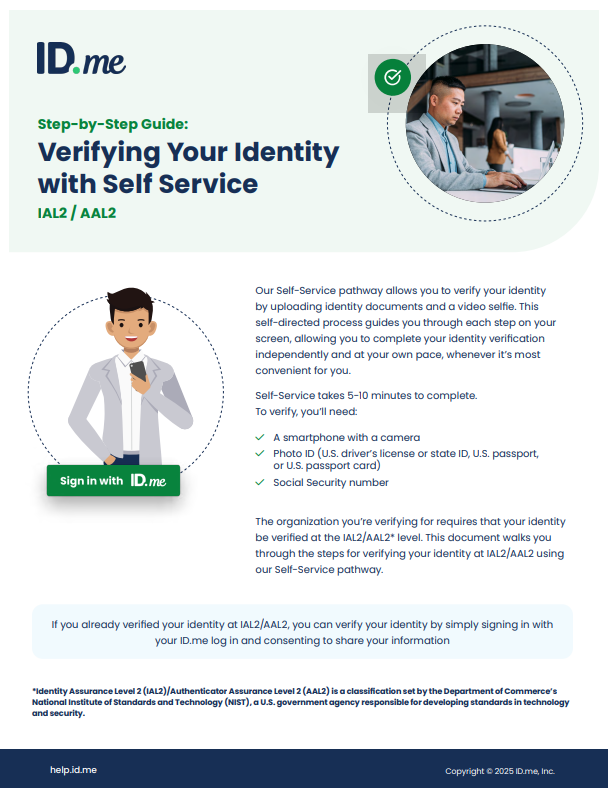 Verifying Identity Guide
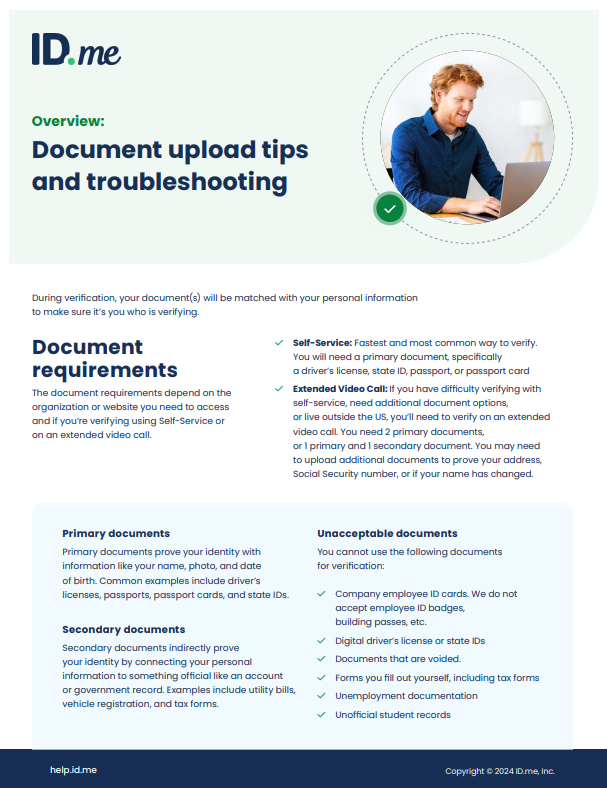 Document Upload Guide
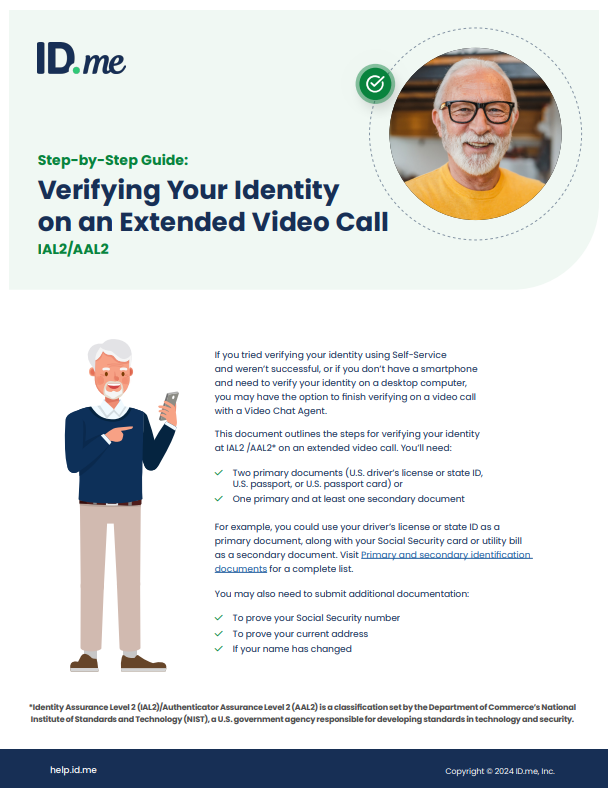 Video Call Verification Guide
General FAQs
Logging In with ID.me
 To begin the login process, visit the myASRS homepage and follow the steps below that best fit your current status.
Your login process with ID.me will differ depending upon whether or not you already have an ID.me account, and whether or not you have previously verified your identity with ID.me. A number of Arizona and Federal agencies already utilize ID.me identity verification, including the Internal Revenue Service and the Social Security Administration.
If you already have an ID.me account:
The process you follow to access your secure myASRS account for the first time utilizing ID.me will depend on whether you currently have a Basic ID.me account or a Verified Identity ID.me account. Please be careful not to create a new additional ID.me account.
If you currently have a Verified Identity ID.me account:
- Click the "Sign in with ID.me" button on the myASRS login page and log into your ID.me account
- Consent to share your information with the ASRS, after which you will be redirected back to your myASRS account.
If you currently have a Basic ID.me account:
- Click the "Sign in with ID.me" button on the myASRS login page and log into your ID.me account
- Complete the identity verification process. This is a one-time process that may take a few minutes.
- Consent to share your information with the ASRS and you will be redirected to your myASRS account.
Creating a New ID.me account:
- Click the "Create an ID.me Wallet" button on the myASRS login page
- Follow the prompts to create your ID.me account
- Complete the identity verification process. This is a one-time process that may take a few minutes.
- Consent to share your information with the ASRS and you will be redirected to your myASRS account.
Tips for success
- One Account Only: You can only have one ID.me account. If you have previously created an ID.me account for another agency, use those same login details to sign in to ASRS.
- If you accidentally created a duplicate ID.me account, you’ll need to close the duplicate account you created to avoid login issues.
- Have your documents ready : To verify your identity, you will typically need a smartphone with a camera and a primary photo ID (U.S. Driver's License, State ID, or Passport).
- When completing the "Selfie Scan" make sure you are in a well lit room and avoid wearing items that may obscure your face, such as a hat or sunglasses.
When to Contact the ASRS vs ID.me
Contact the ASRS if:
- You need help managing the information within your myASRS account
- You need an update on recently submitted applications or paperwork
- Have questions regarding ASRS benefits
- You need to access the account of an ASRS member who has passed away
Contact ID.me if:
- You have questions during the process of verifying your identity
- Need help with your ID.me account settings or password
- Want to manage which organizations you've shared your identity information with